

for NUU TAB 8 T0801L T0802L Touch Screen Replacement 8" Front Glass Digitizer Panel Touchscreen Repair Part LCD Not Included | Touch-only front glass repair, LCD not included, cracked panel ghost touch fix, test before final bonding
Product details
| Management number | 239254342 | Release Date | 2026/07/14 | List Price | US$5.47 | Model Number | 239254342 | ||
|---|---|---|---|---|---|---|---|---|---|
| Category | |||||||||
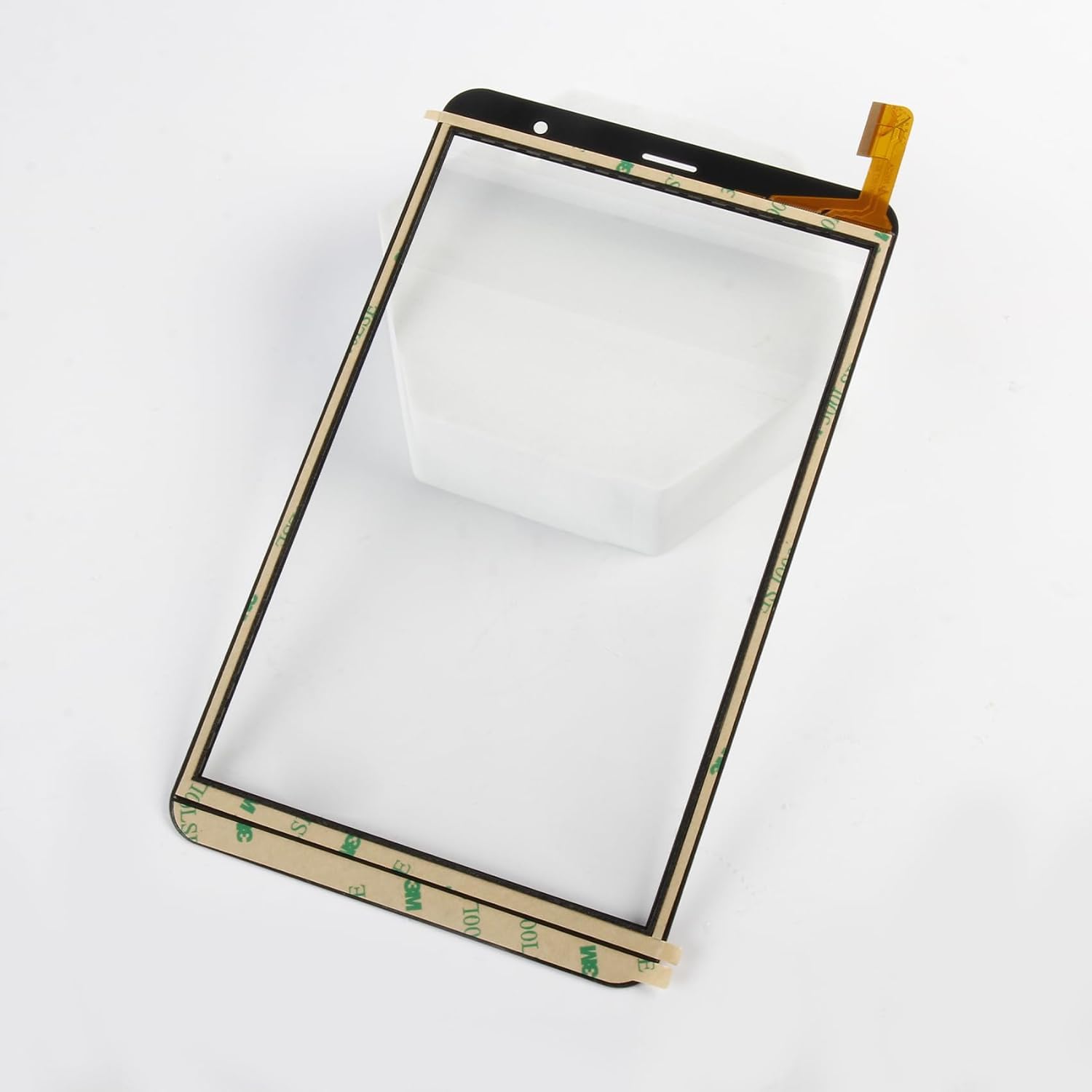
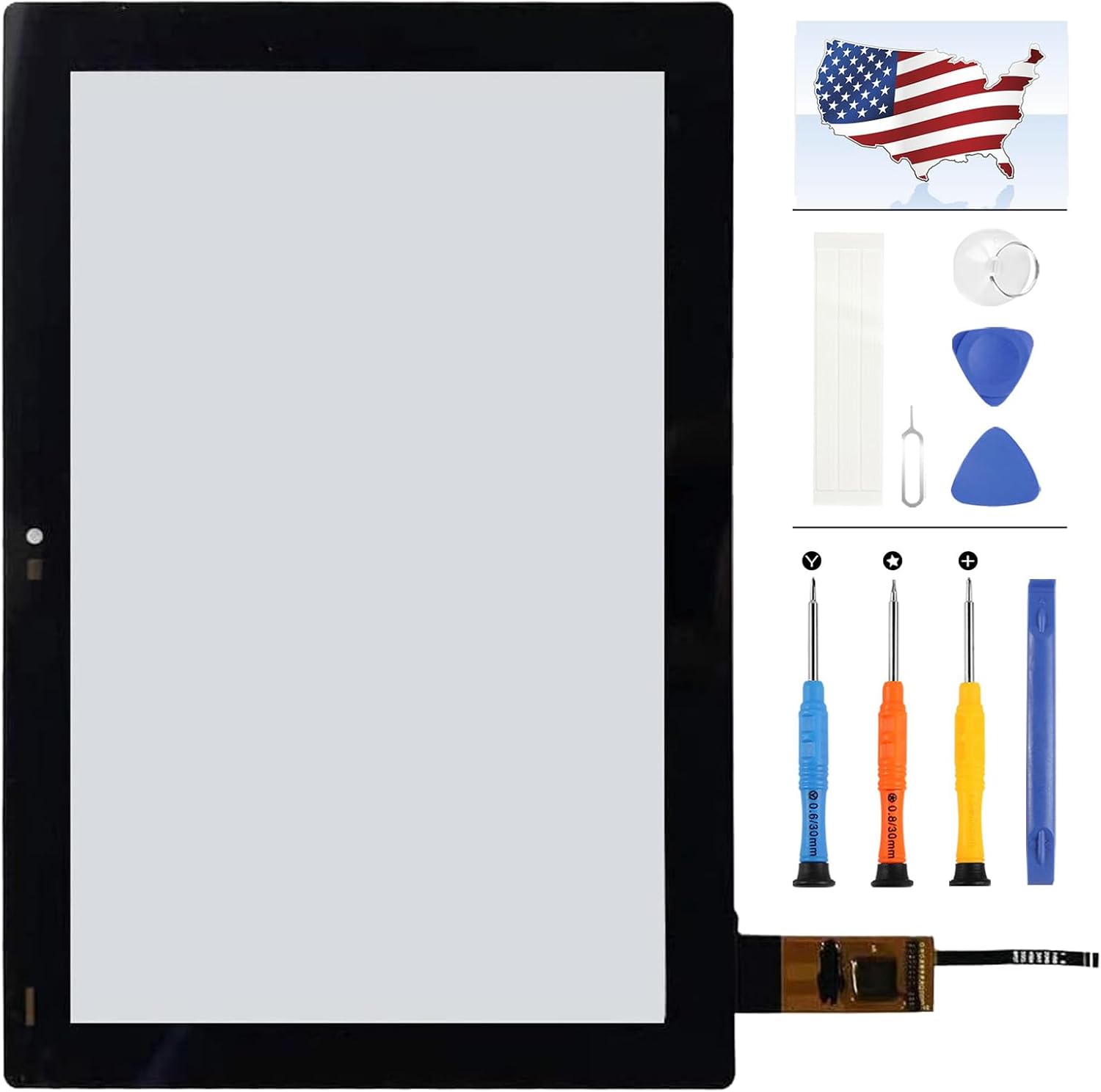
Olivechard Touch Screen Replacement for NUU TAB 8 T0801L / T0802L This replacement part is designed for NUU TAB 8 tablet front touch repair. It is an 8-inch touch screen digitizer glass front panel, intended for repairing cracked front glass, broken touch panel, ghost touch, inaccurate touch, or unresponsive touch problems. Please note: this is touch screen digitizer only. The LCD display is not included. 📱 Compatible Models Compatible model family includes NUU TAB 8 T0801L and T0802L. Please confirm your tablet model before purchase. Do not order by screen size only, because tablets with the same size may use different touch connectors or glass structures. ✨ Best Fit Buyer Scenario This touch panel is suitable for buyers who want to keep a damaged tablet usable after front glass or touch failure. It is practical for home tablets, kids’ learning tablets, school devices, repair shops, refurbishing work, and resale preparation where the LCD still shows image normally but the touch function needs repair. 🔍 Touch Digitizer vs LCD Display This product replaces the front touch screen digitizer glass only. It can help repair: cracked or shattered front glass touch not responding ghost touch inaccurate touch damaged outer touch panel with normal LCD image It does not repair LCD-related problems such as black screen, no display, display lines, dead pixels, backlight failure, liquid damage to the LCD, or color image defects. If your tablet image is not showing normally, please diagnose the LCD before ordering this touch panel. 📦 Package Includes Package includes: 1 x 8-inch touch screen digitizer glass front panel for NUU TAB 8 No LCD display screen is included. No printed installation manual is included. Standard tablet repair tools may be required for installation. 🔧 Installation Guidance Before final installation: power off the tablet completely disconnect the battery connector before connecting the new touch panel remove broken glass carefully to avoid LCD damage keep the LCD clean and dust-free do not bend the flex cable sharply connect the new touch digitizer for testing first test tapping, swiping, typing, and edge touch response complete final bonding only after touch function is confirmed Professional installation is recommended for buyers without tablet repair experience. 💬 Support and Return Reminder Please inspect and test the touch panel before final bonding. If the item arrives damaged or touch issues appear during pre-install testing, contact support with clear photos or video before completing the repair. Installation damage, torn flex cables, cracked glass during installation, incorrect model selection, or LCD damage during removal is not considered a product defect. FAQ Q: Is this an LCD display screen? A: No. This is a touch screen digitizer glass panel only. The LCD display is not included. Q: What problem is this part best for? A: It is best for cracked front glass, ghost touch, inaccurate touch, or touch not responding while the LCD image still works normally. Q: Will this fix a black screen or display lines? A: No. Black screen, display lines, dead pixels, or image failure usually require LCD diagnosis or LCD replacement. Q: Are tools included? A: No printed manual is included, and standard tablet repair tools may be needed depending on the repair condition. Q: Why should I test before final bonding? A: Testing confirms touch function before the tablet is sealed, helping avoid rework if the connector is not fully seated or the wrong part was ordered.
- 📱 【Tablet touch repair and front glass recovery】 Designed for NUU TAB 8 models T0801L and T0802L. Suitable for cracked front glass, broken touch panel, ghost touch, inaccurate touch, or unresponsive touch. Please confirm your exact tablet model before purchase.
- 🌟 【Touch screen digitizer only, LCD not included】 Practical repair choice for DIY users, tablet repair shops, refurbishing work, and school or family tablet recovery where the display image still works but the touch layer is damaged. This is a front touch screen digitizer glass panel only, not an LCD display screen.
- 💡 【Correct repair decision before ordering】 This part is intended to repair touch-related problems, not image-display failure. If your tablet has black screen, no image, display lines, backlight failure, dead pixels, or color problems, the LCD may also be damaged and this touch panel alone may not solve the issue.
- 📦 【8-inch replacement front panel】 Built for the 8-inch NUU TAB 8 front touch structure, helping restore normal tapping, swiping, scrolling, typing, and app control after touch glass damage. A practical option for everyday tablet use such as reading, learning apps, browsing, and video control.
- 🔧 【Installation testing and handling reminder】 Power off the tablet, disconnect the battery connector, and test touch response before final bonding. No printed installation manual is included. Professional installation is recommended because flex cable tearing, glass breakage, or installation damage is not considered a product defect.
| ASIN | B0D794T9FX |
|---|---|
| Item Weight | 7 ounces |
| Manufacturer | Olivechard |
| Item model number | NUU TAB 8 T0801L T0802L |
| Package Dimensions | 10.55 x 6.1 x 1.1 inches |




Bestseller ranking
Screens




Correction of product information
If you notice any omissions or errors in the product information on this page, please use the correction request form below.
Correction Request Form